 Chores Wars
Allowance App
The Allowance App Where Chores Pay
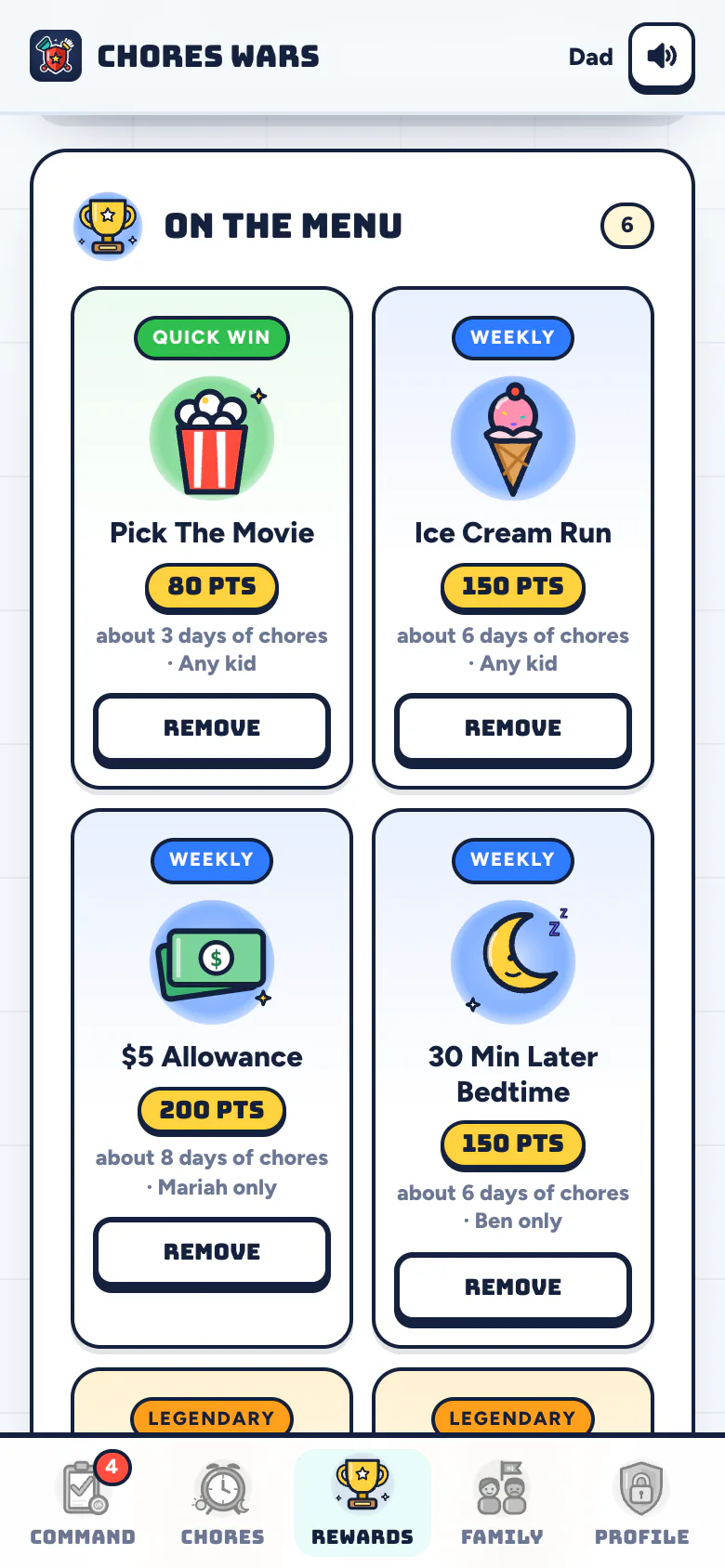
Chores Wars turns chores into points and points into the real rewards you choose: allowance, screen time, a later bedtime, an ice cream run. You set every price, and nothing pays until you approve the chore.
Chores To Points To Real Rewards
Most allowance systems break in one of two places. Either the money arrives no matter what got done, or someone has to keep a running tally on the back of an envelope. Chores Wars fixes both: points only arrive for approved chores, and the app keeps the tally for you and for them.
- Step 1
Chores Earn Points
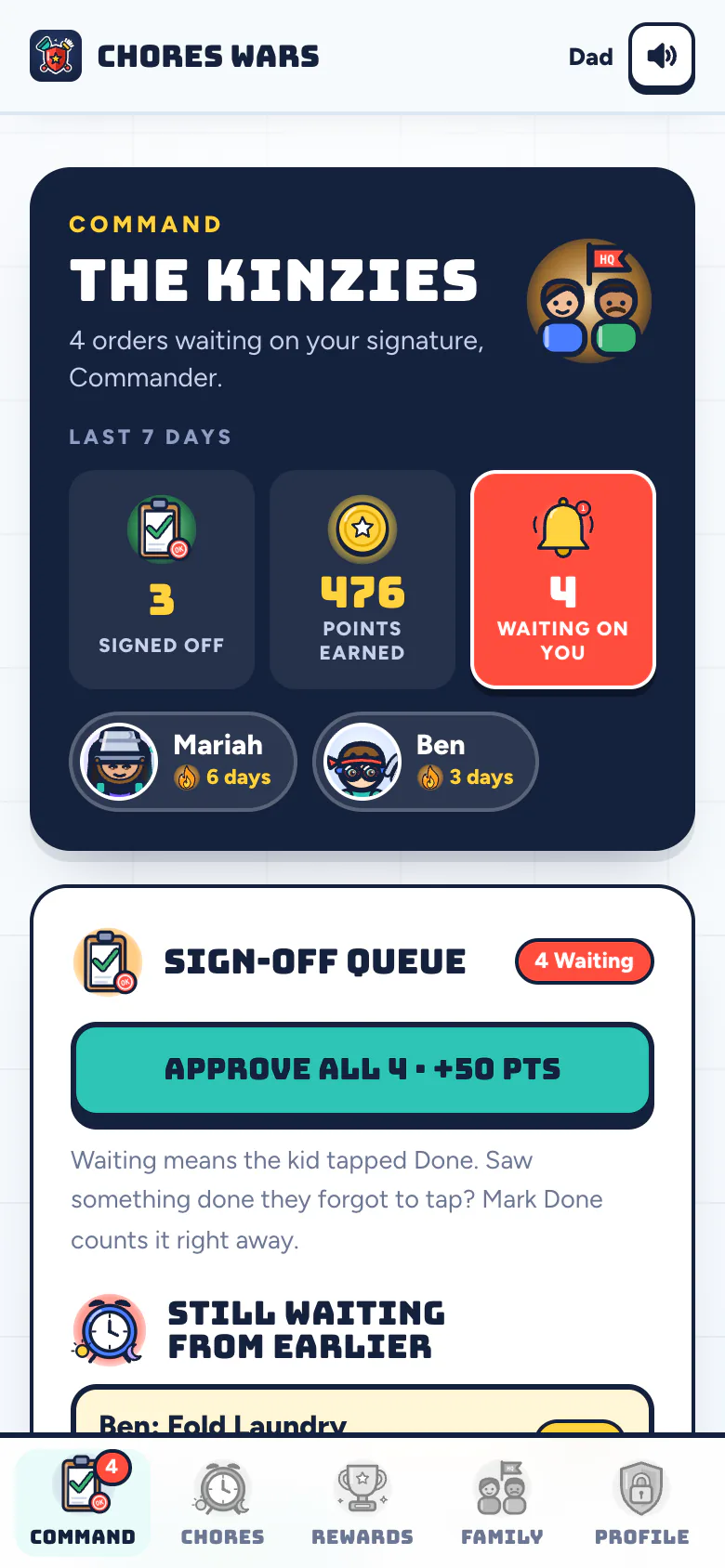
Your kid taps Done. You approve. Only then do the points land, along with coins and Battle Energy for the game.
- Step 2
You Stock The Shop
Make the rewards your family actually wants, from five dollars of allowance to picking the movie, and give each a price in points.
- Step 3
They Save Up And Claim
Your kid claims a reward when they have the points. It lands in HQ for you to grant, or decline and hand the points back.
- Step 4
You Pay Out
Cash, a transfer, a scoop of mint chip. The payout is yours. We keep score, we never touch the money.
Set Your Exchange Rate
A kid who does every chore on their list earns about 200 points a week. That number stays steady no matter their age; what changes is the work (see chores for kids by age). So picking your rate is one question: what should a full week of chores be worth?
Divide 200 by that dollar amount and you have your points per dollar. Our default is 40 points to the dollar, which makes a full week $5.
| A Full Week Pays | Points Per $1 | $5 Costs |
|---|---|---|
| $2.50 | 80 | 400 points |
| $5The default | 40 | 200 points |
| $10 | 20 | 100 points |
| $20 | 10 | 50 points |
In the app, allowance is just a reward like any other. Make one called "$5 Allowance", price it at 200 points, and your kid can claim it once they have saved up. Make a "$1" reward too if you want smaller, more frequent payouts.
Yes, you can price picking the family day trip at 900 points. We recommend it.
Mix Money With Things Money Cannot Buy
Allowance is one option. Plenty of families find the non-cash rewards work just as well, and they are cheaper. A starting menu priced against a 200-point week:
- Quick wins, about 75 to 100 points: pick the movie, pick dinner, 30 extra minutes of screen time.
- Treats, about 150 to 200 points: an ice cream run, a later bedtime on Saturday, a week's allowance.
- Big goals, about 600 to 1,000 points: a day trip, a new game, a friend sleepover.
Big goals teach saving without a lecture. A kid staring at 640 out of 900 points does the math on their own.
Points For Rewards, Coins For The Game
Every approved chore pays two separate things. Points are for your real rewards and only you can turn them into anything. Coins are for the game: they open loot crates full of gear for your kid's hero. Coins come only from chores. Nobody can buy them, and nothing in the game costs real money.
That split matters. Spending coins on a crate never touches the allowance they are saving up for, so the game and the money lesson never fight each other. More on that in why gamified chores work.

Good To Know
- We never hold money. Chores Wars tracks points. You pay out allowance however you like.
- Both parents can grant. Invite the other parent and either of you can approve chores and grant rewards.
- Price: 7 days free, then $5 a month for the whole household. Cancel any time, and your kids keep every point they earned.
Now Recruiting
Enlist Your Family
7 days free, then $5 a month for the whole household: every parent, every kid, every germ. Cancel any time.
Report For DutyTwo minutes to set up. Kids sign in with a PIN, no email.