 Chores Wars
Chore Chart App
A Chore Chart App Your Kids Will Actually Open
Chores Wars is a chore chart that lives on your kid's phone, checks in with you before anything counts, and turns every finished chore into loot for a video game they want to play.
Why The Fridge Chart Stops Working
Every family has tried it. The chart goes up on Sunday with fresh markers and gold stars. By Wednesday nobody looks at it, the stars are on the dog, and you are back to asking "did you feed the cat?" four times before dinner.
A paper chore chart has three problems. It is in one place, and your kids are not. It trusts the checkmark, so "I did it" and "I did it" mean two different things. And it is boring, which is a problem when it is competing with every game on the planet.
So we stopped competing with the games. We joined them.
It Lives On Their Phone
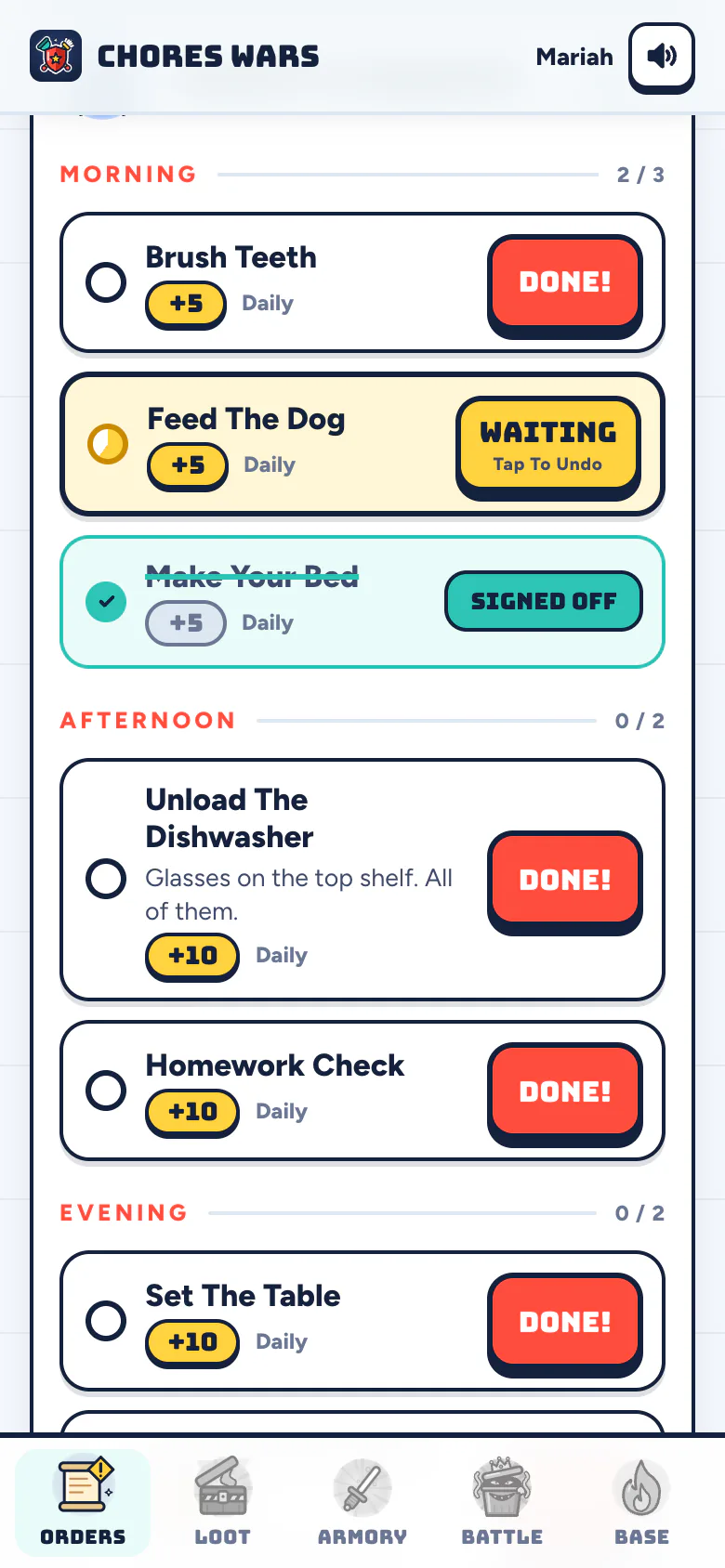
The fridge chart waits in the kitchen. This one is in their pocket, sorted into morning, afternoon and evening, with a big Done button on every row.
Nothing Counts Until You Approve
A checked box on paper is an honor system. Here a finished chore waits for a parent. Approve it in one tap, or send it back.
Real Schedules
Trash on Tuesday and Thursday, the bathroom on Saturday morning. Set each chore by weekday and time of day, per kid.
A Reason To Open It
Every approved chore pays points, coins and Battle Energy. Coins open loot crates, gear goes on their hero, and the hero fights household germs.
Set Up The Chart In About Two Minutes
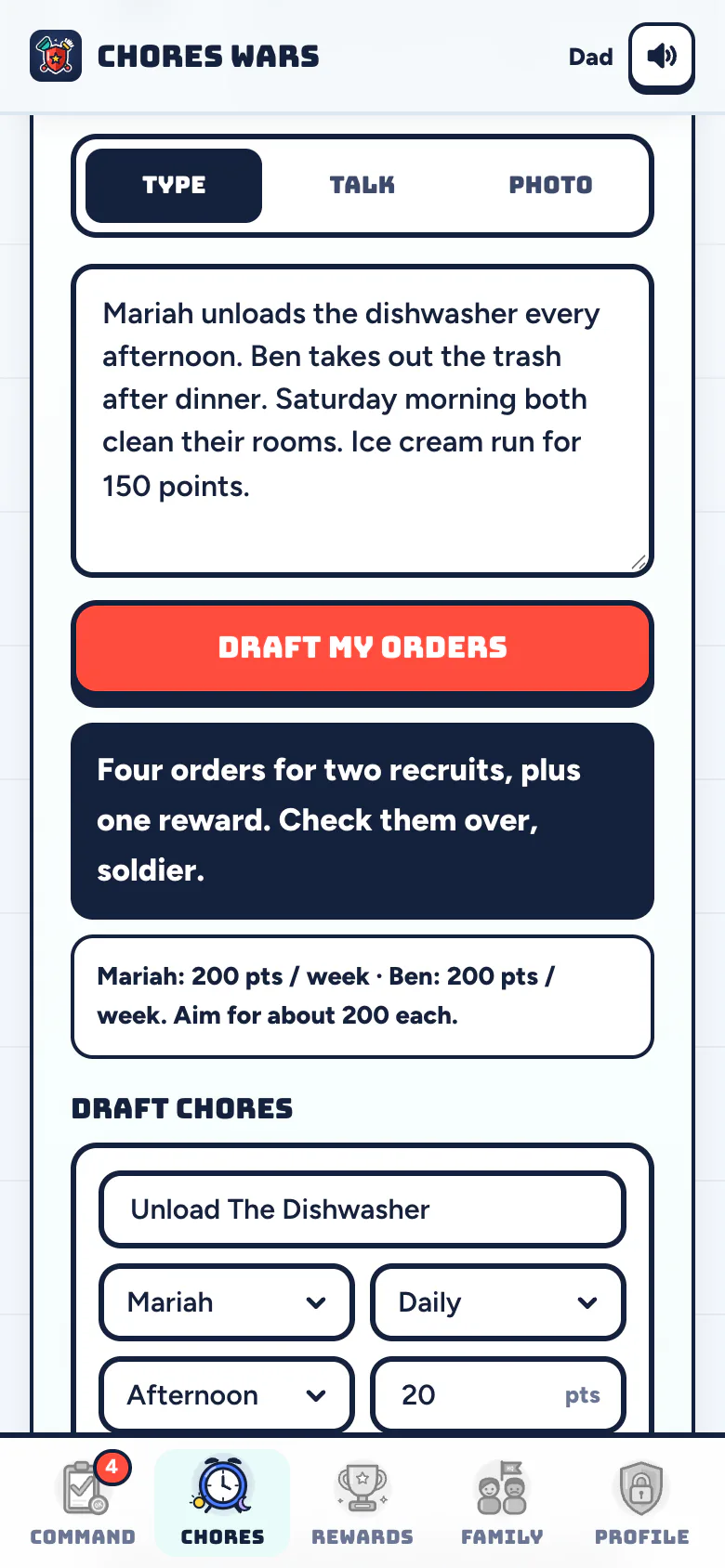
You do not have to build a chart from scratch. Type your chore list, say it out loud, or snap a photo of the chart already on your fridge. Sarge, the app's setup sergeant, drafts every chore with a kid, a schedule and a point value. You tweak anything you want, then tap Deploy Orders.
Points stay steady at about 200 a week per kid, so a five-year-old and a teenager can earn the same week. Younger kids get fewer or easier chores worth more each; older kids get bigger jobs. If you want a starting list, our chores for kids by age guide has one for every age with the points already worked out.
What Your Kid Sees
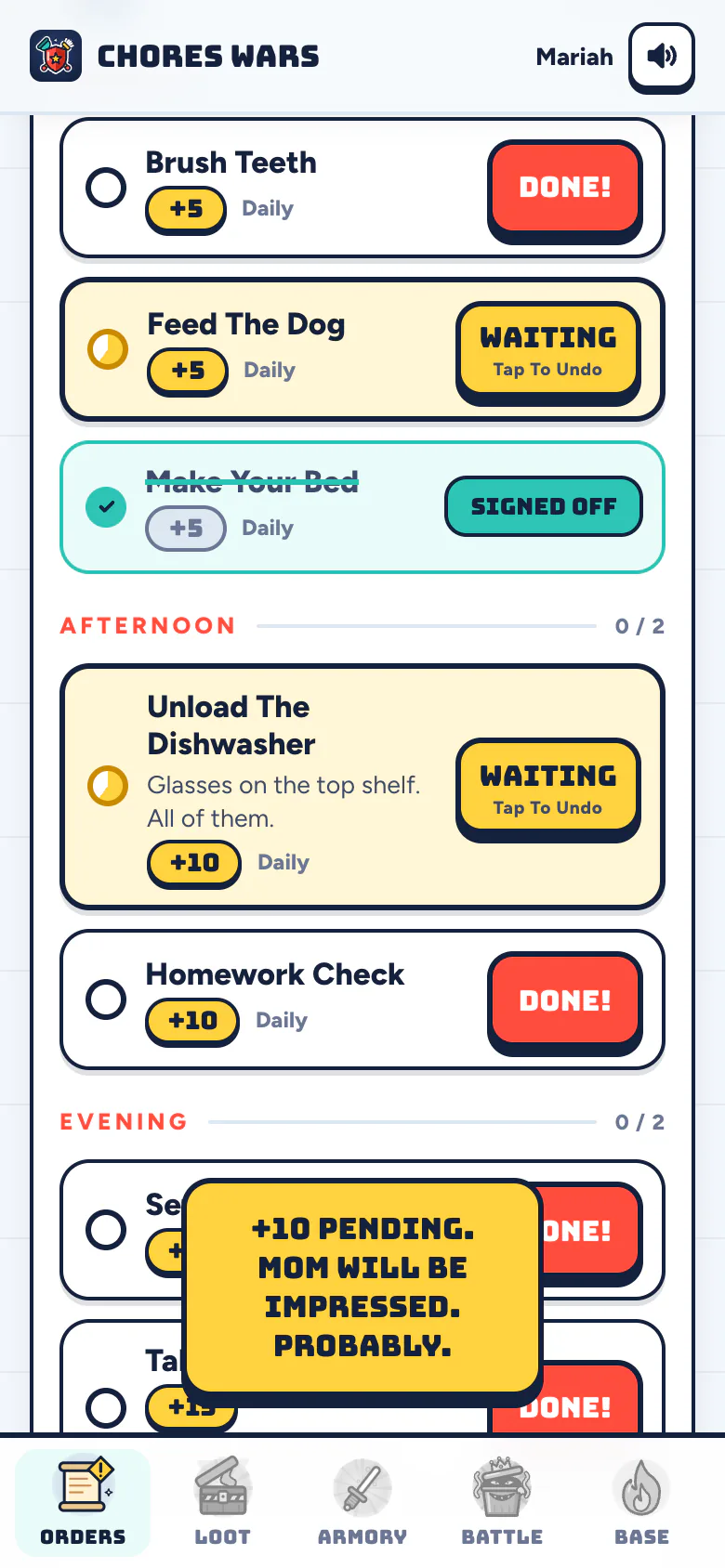
Each kid signs in with your family's Base Code, their first name and a PIN you set. No email, no password, no account of their own. Their Orders tab shows today's chores and nothing else, so there is no hunting for their column on a crowded chart.
They tap Done, the row flips to Waiting, and their streak ticks up day by day. Special Quests pay bonus loot to whoever finishes first, which is how two siblings end up racing to clean the garage. Have your camera ready.
What You See
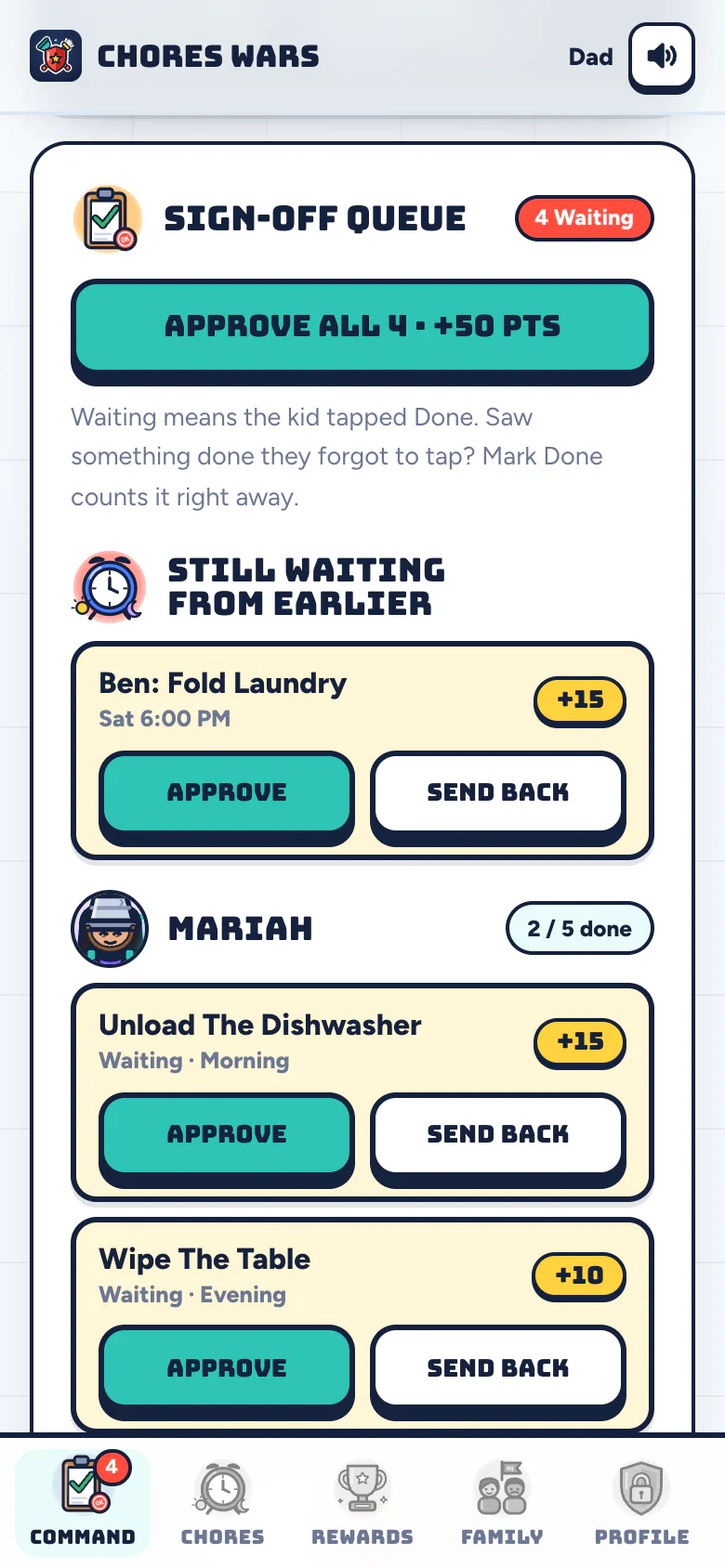
HQ is the parent side: five calm tabs on your own phone. A finished chore lands on your lock screen with an Approve button, so you can sign off from the couch, the car line or the next room. Nothing pays out until you do.
- Both parents run it. Invite the other parent with a link. Either of you can approve, assign or reward.
- Quiet after 9 PM. Kids get no notifications between 9 PM and 7 AM, so the chart never keeps anyone up.
- Real rewards, your prices. Points buy what you decide: screen time, ice cream, a later bedtime, or allowance. See the allowance guide for how to set the rate.
Why They Keep Opening It
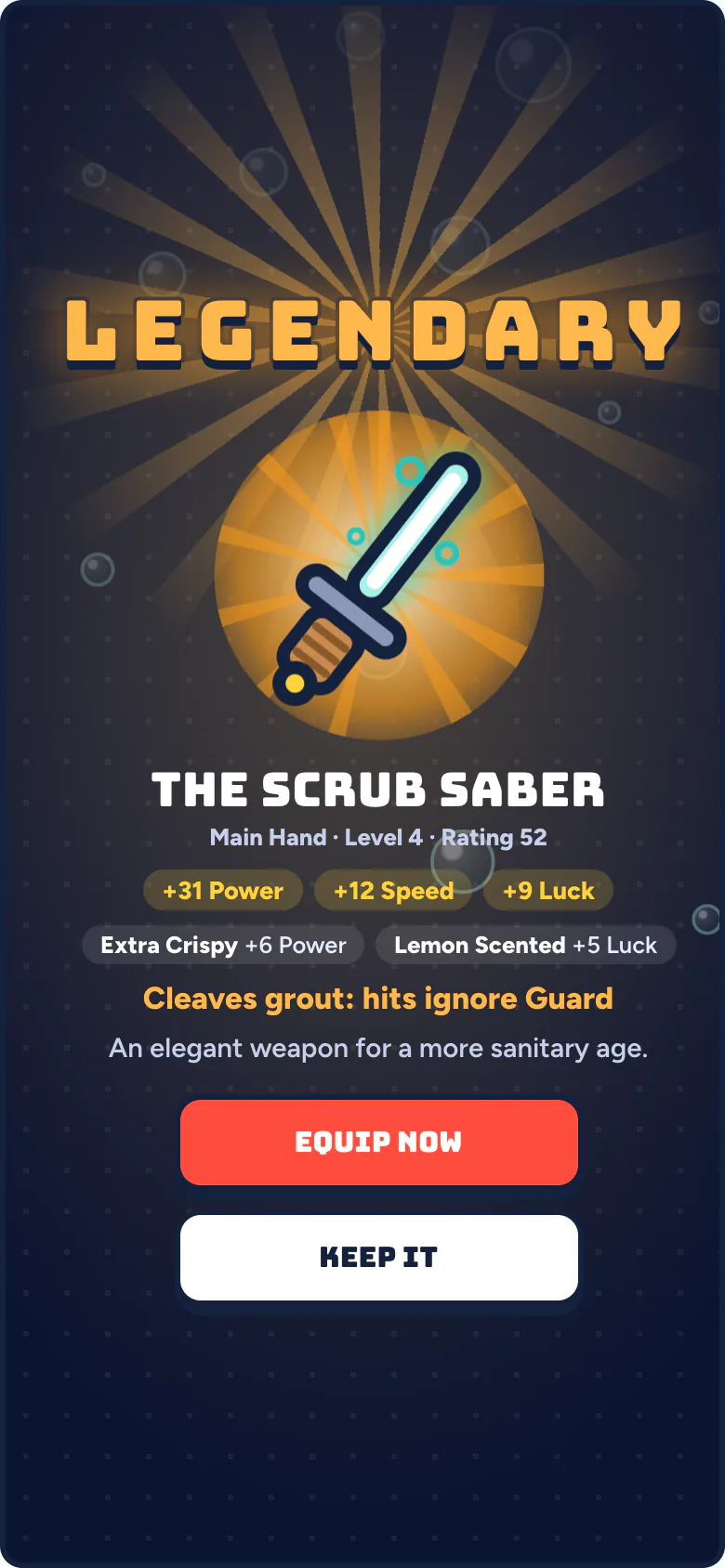
Here is the part a paper chart cannot do. Every approved chore pays points (for your real rewards), coins (for loot crates) and Battle Energy (for fights). A crate opens with a full drumroll and drops gear from Common to Mythic. The gear goes on their hero in the Armory, and the hero fights waves of household germs like Captain Crumb, The Sock Goblin and Sir Reeks-A-Lot.
Every fight costs one Battle Energy, and energy only comes from approved chores. Skip the chores, lose the war. That is the whole trick, and it is why we wrote a separate guide on why gamified chores work and the lines we will not cross.
They will scream LEGENDARY at a scrub brush. Let them.
Good To Know Before You Start
- Price: 7 days free, then $5 a month for the whole household, every parent and every kid. Cancel any time.
- Devices: it runs in the web browser on any phone, tablet or computer, and installs to the home screen like an app.
- Privacy: a kid is a first name and a PIN you set. No ads, no chat, no strangers, nothing sold, and nothing in the game can be bought with real money.
Now Recruiting
Enlist Your Family
7 days free, then $5 a month for the whole household: every parent, every kid, every germ. Cancel any time.
Report For DutyTwo minutes to set up. Kids sign in with a PIN, no email.